If you are having issues logging in to Lloyds on a desktop, follow the steps below:
- Select or search for Lloyds.

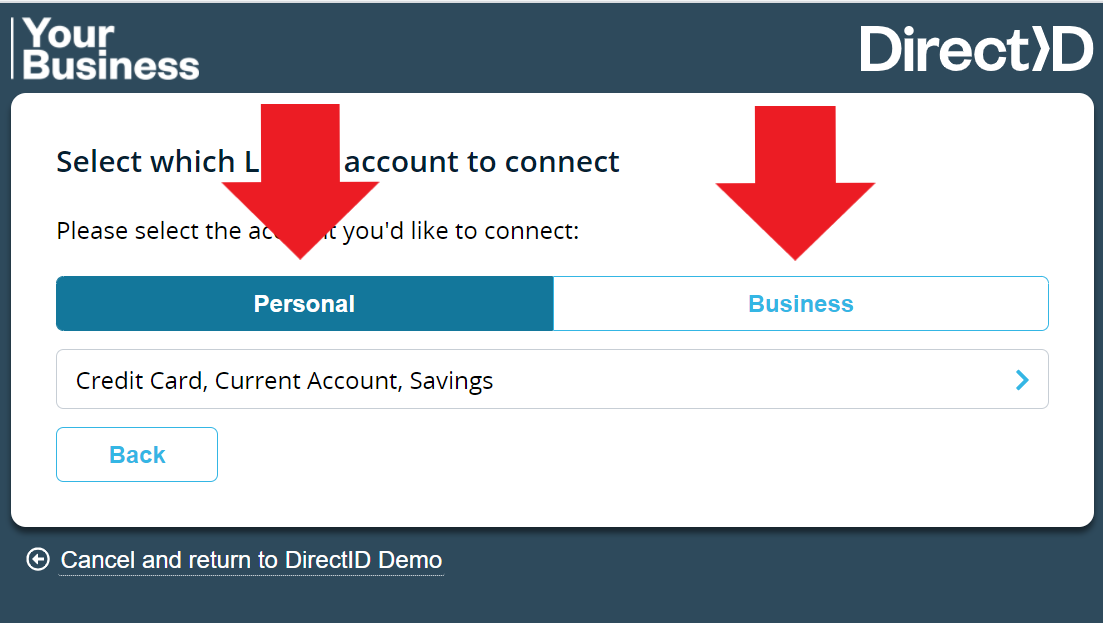
- Ensure you select Personal or Business and the correct account option below.
- Consent to share your financial information.
- Click Confirm. The page redirects to your bank login screen.
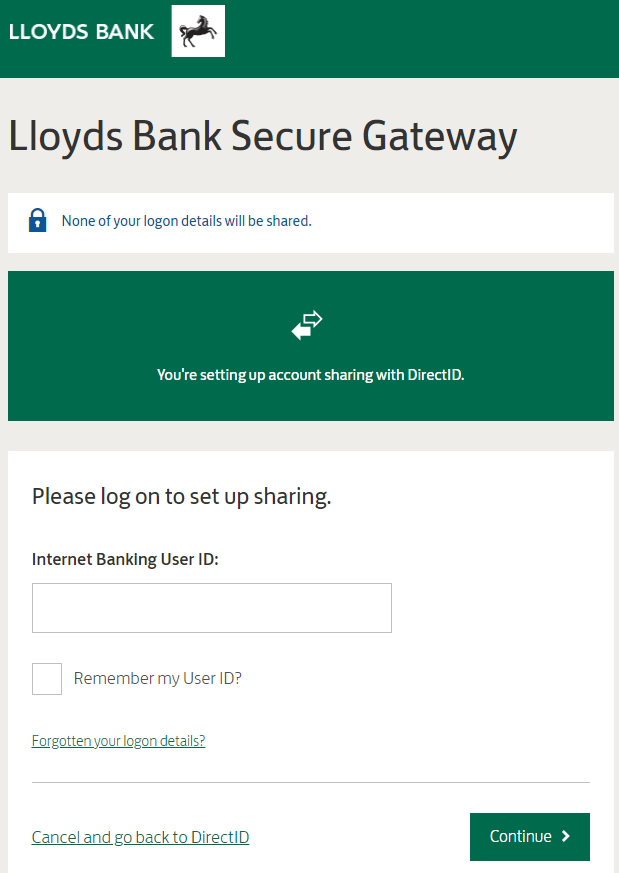
- Follow the instructions on the screen. After entering your User ID, enter your password and memorable information.
- Once you log in, confirm which accounts you wish to share.